
New Portal Welcome - Jacuzzi Bath Remodel
Welcome to the new Dealer Portal!
With the new dealer portal you will be able to
- Order all the product your familiar with using multiple ordering methods.
- Access past orders
- Track shipments
- Access multiple accounts with ease (if enabled for your account)
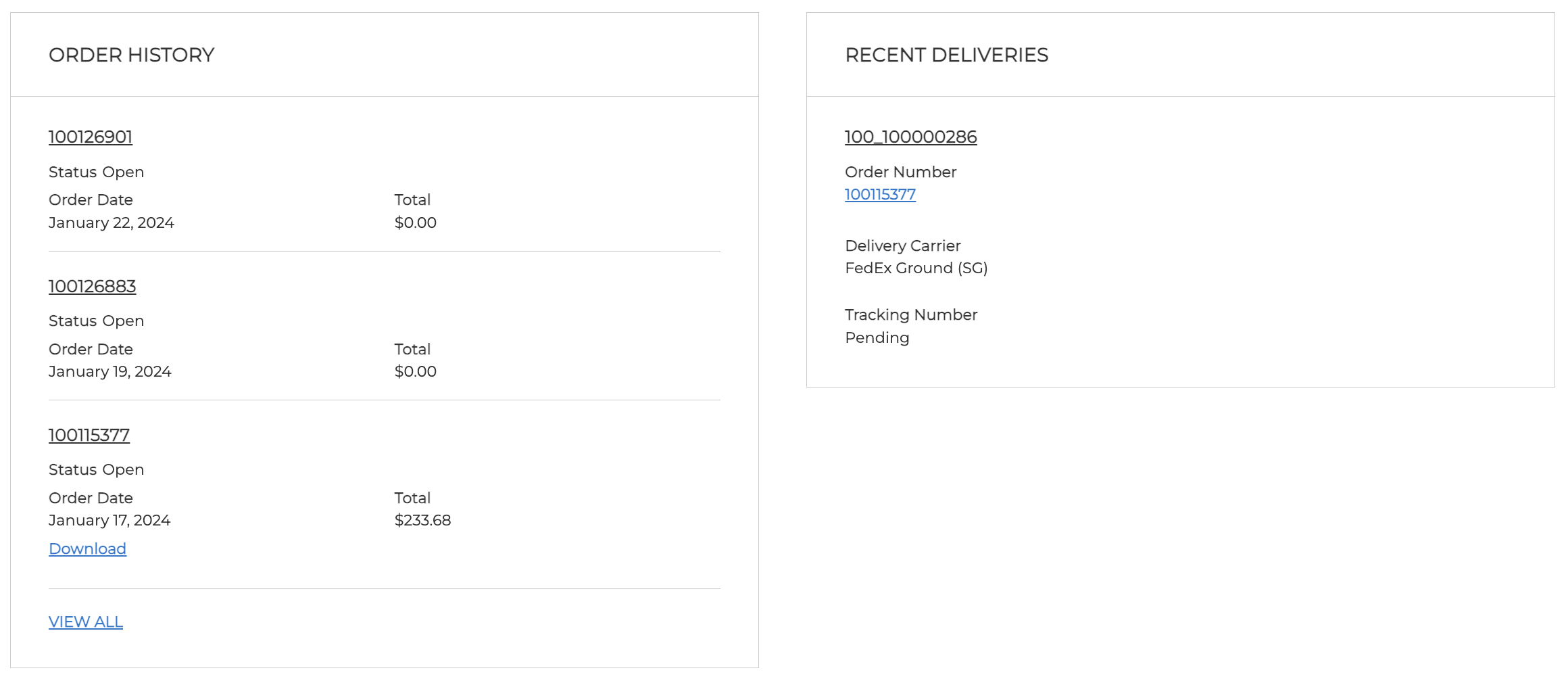
Dashboard
The home page gives you easy access to your Order History with the latest orders always on display. You will also find any shipments that have recently been shipped by Jacuzzi. Drill directly into past orders and shipment notes with ease.
Ordering
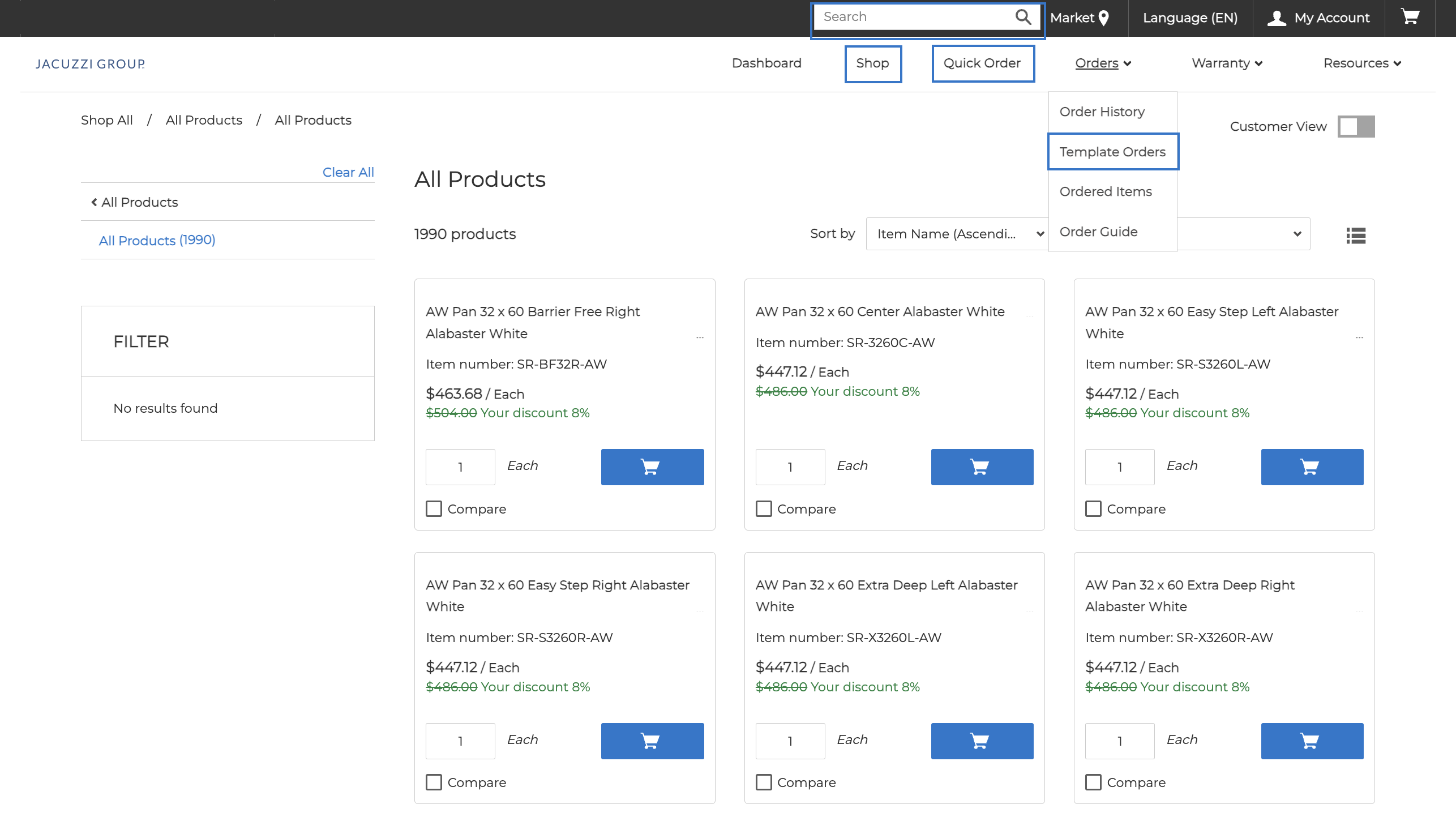
You know have the ability to order product in multiple ways.
- Shop
- Browse product in a hierarchy format. *More categories will be added post initial launch.
- Quick Order
- Use our quick order capability to order using an Excel file or by adding items using just the sku number.
- Searching
- Search for any product by SKU or product name or description
- Template Orders
- Save you frequent orders using the templates and easily add them to your cart at the click of a button.
- Reorder
- Reorder any previous order with the click of a button.
Dealer Admin |
Office Admin |
Designer User |
Sales User |
Order Entry User |
Order View Only User |
Service/Warranty User |
|
|---|---|---|---|---|---|---|---|
| Can Create Users | |||||||
| Can Order | |||||||
| Can See Pricing | |||||||
| View Orders | |||||||
| Save Templates | |||||||
| Reorder |
Self Provision
If you are an admin you now have the ability to add team members directly through the portal without the assistance of Jacuzzi Customer Service. To grant access follow these simple steps.
- Click on 'My Account'
- Click 'User Provisioning'
- Click on the '+ Add New' button under the Authorized Personnel section.
- Once you have added their contact information and selected the appropriate role, they will receive a welcome email.